
Share donation link

By Guildara

This is some text inside of a div block.
read
This is a beta feature. If you don’t see it in your dashboard yet, it will be available soon. Thank you for your patience — if you have any questions, please reach out to our team.
A fast and simple way to start collecting donations, and grow your dedicated scholarship fund within The Village Project, is by sharing your donation link with your community.
How to find your link
- Log in to guildara.com
- Go to the Donations tab
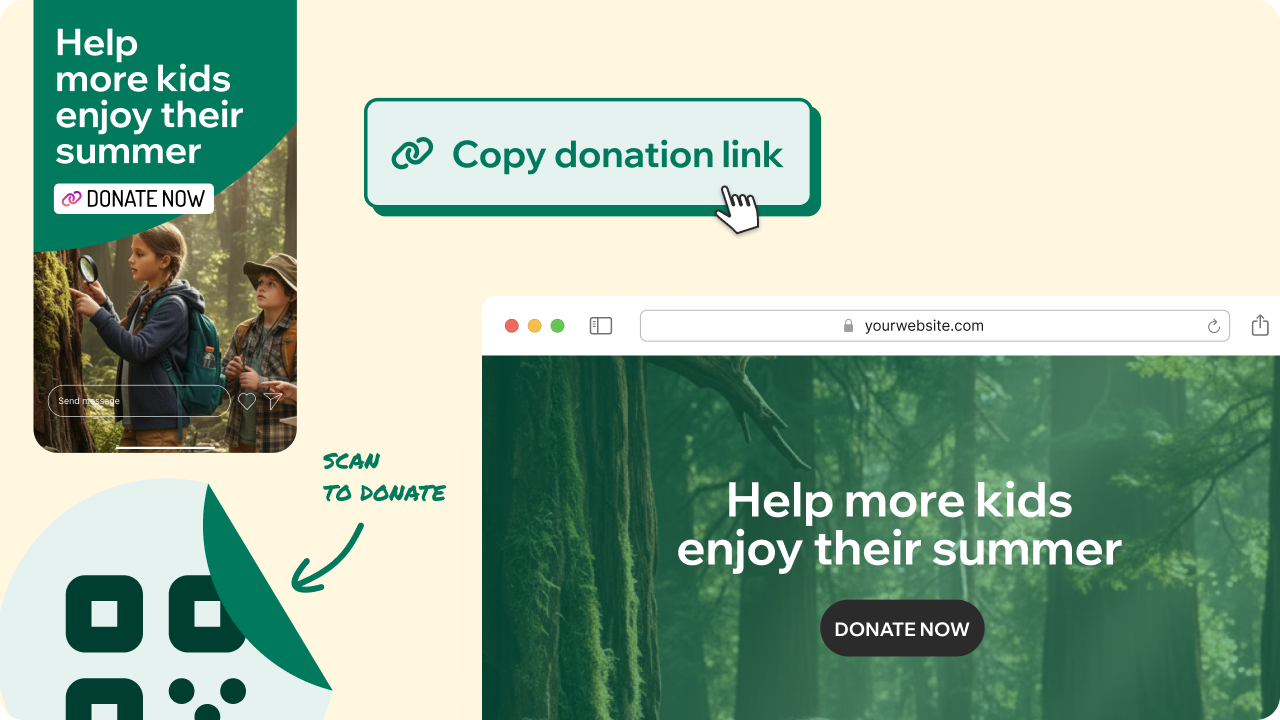
- Click “Copy donation link”
That’s it.
Ways to share it
Once copied, you can make the link visible in multiple ways:
- 🖨️ Create a QR code for your front desk: Print it and place it where families check in or wait. You can use free tools such as QRCode Monkey or Canva.
- 🌐 Add it to your website: Include it on your homepage.
- 📱 Share it on social media: Post about the scholarship mission and invite your community to support families.
- 📧 Include it in your emails: Add it to newsletters or seasonal announcements.
The easier you make it to donate, the more opportunities your community has to support families in need.


Have feedback?
Let us know!

